
CapCut - Video Editor
Bytedance Pte. Ltd.
Downloads
1,000,000,000+
Version
Latest
Click to download now, finish the installation quickly, and directly unlock the all-round experience
Screenshots
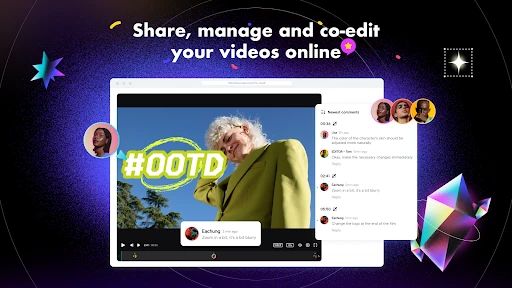
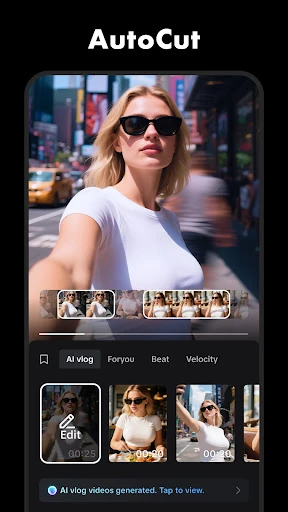
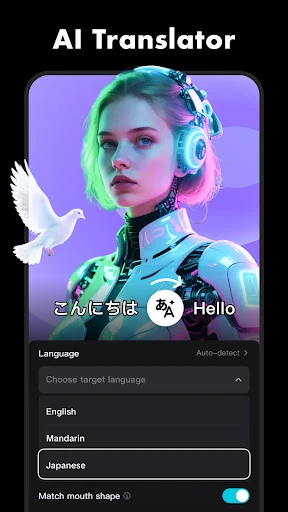
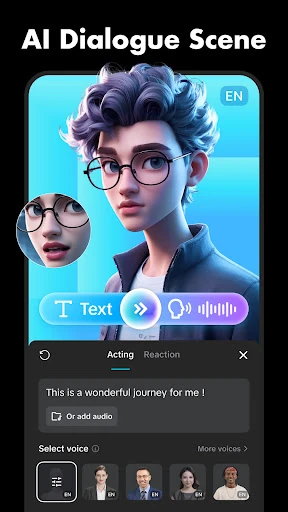
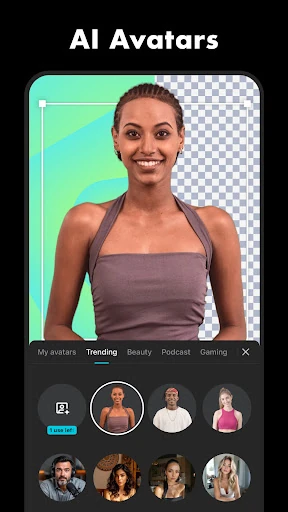

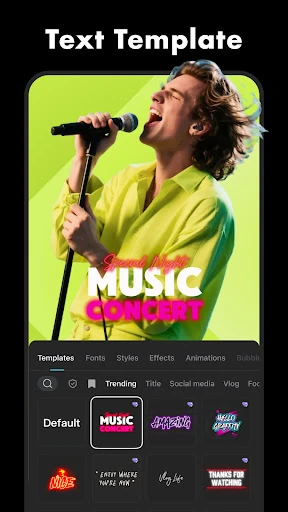
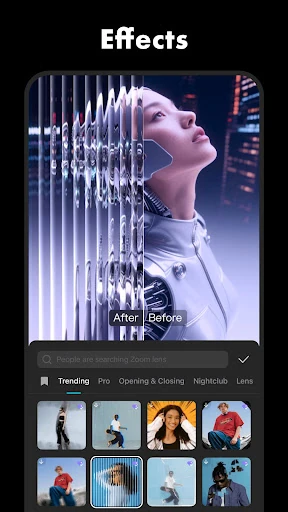
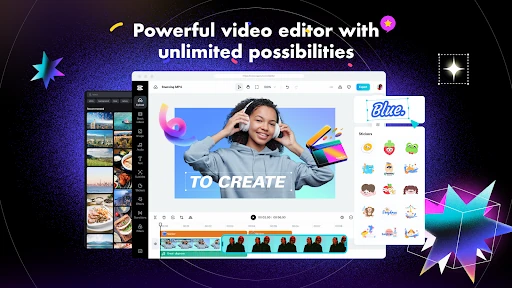
Click to download now, finish the installation quickly, and directly unlock the all-round experience
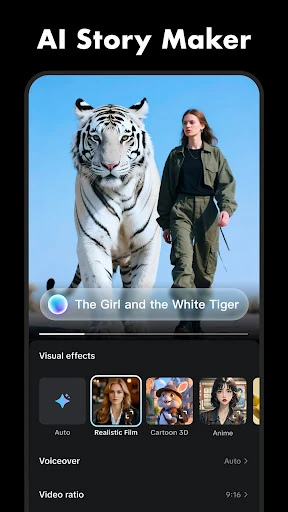
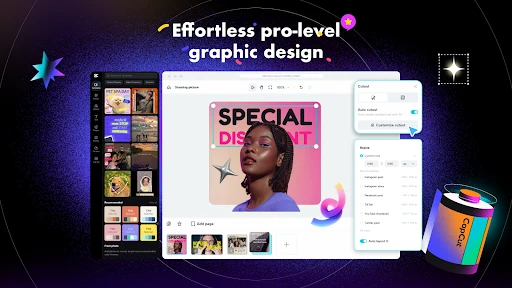
CapCut - Video Editor is a mobile editing app for creating and refining videos on an Android phone. It suits social media users, casual creators, and anyone who wants more control than basic trimming tools provide. You can combine clips, arrange audio and text, add effects, and prepare finished videos for sharing.
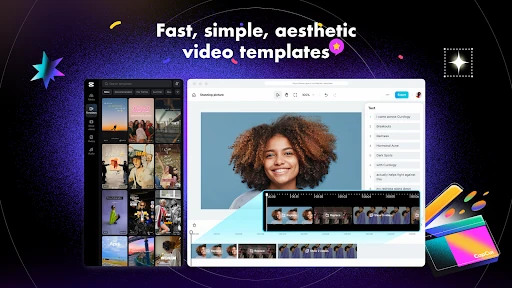
The editor supports a multi-track timeline, making it possible to layer video, sound, text, and other elements in one project. Keyframe controls help adjust movement and animate selected elements, while speed controls can create slow-motion or changing-speed sequences. These tools give users room to make structured edits rather than relying only on preset templates.
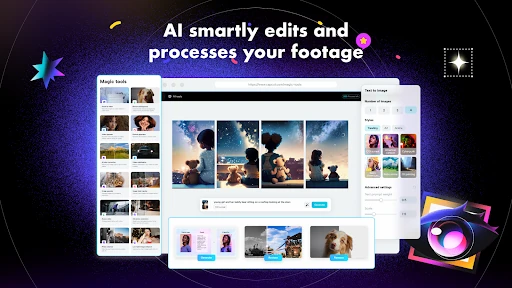
CapCut includes tools designed to reduce repetitive work, including automatic captions and background removal. Its effects, transitions, music, and sound options can help shape the style of a clip, whether the goal is a short social post, a montage, or a more polished personal project. Export options are available for producing high-resolution video when the device and project allow it.
CapCut is listed in the Video Players & Editors category and is developed by Bytedance Pte. Ltd. It has reached 1,000,000,000+ installs and has received more than 12.4 million ratings. Its current average rating is approximately 3.45 out of 5, giving prospective users a broad measure of how the app is received across its large user base.