AR Drawing: TraceCam & Draw
Amobear Application - AILABS.
Downloads
500,000+
Version
Latest
Click to download now, finish the installation quickly, and directly unlock the all-round experience
Screenshots
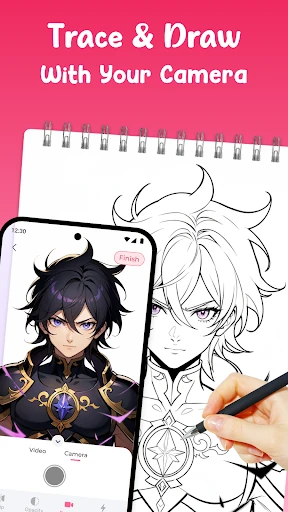
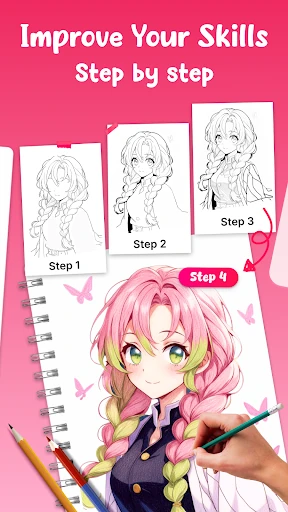



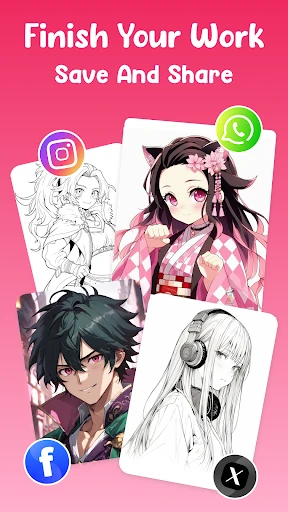
Click to download now, finish the installation quickly, and directly unlock the all-round experience
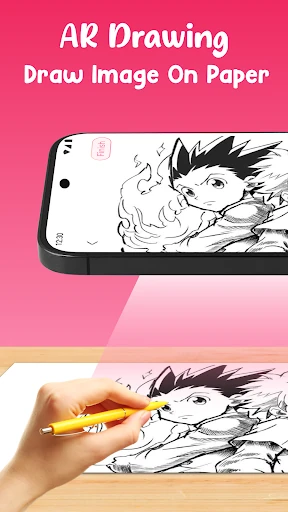
AR Drawing: TraceCam & Draw uses your phone’s camera to place a visual guide over paper or another drawing surface. You can follow the projected lines with a pencil or pen, making it easier to study proportions, outlines, and basic details. It suits beginners who are learning to draw, students practicing from references, and experienced hobbyists who want help setting up a sketch.
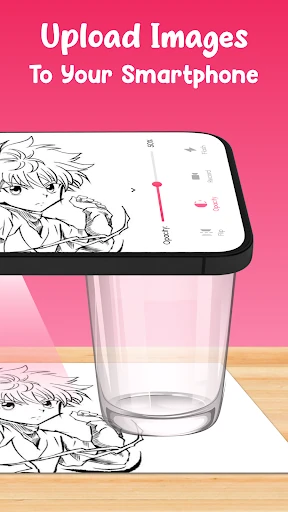
The app includes drawing subjects such as animals, flowers, cartoons, portraits, and anime-style images. You can also use a picture from your device as the reference. The overlay can be adjusted to fit the page, turned or mirrored when needed, and made more or less transparent so the paper and guide remain visible together.
AR Drawing: TraceCam & Draw is listed in the Art & Design category and is developed by Amobear Application - AILABS. It has recorded 500,000+ installs. The app currently shows a rating of 0 from 0 reviews, so there is not yet enough user feedback to indicate a broader community opinion. For best results, keep the phone steady while tracing so the camera guide stays aligned with the page.